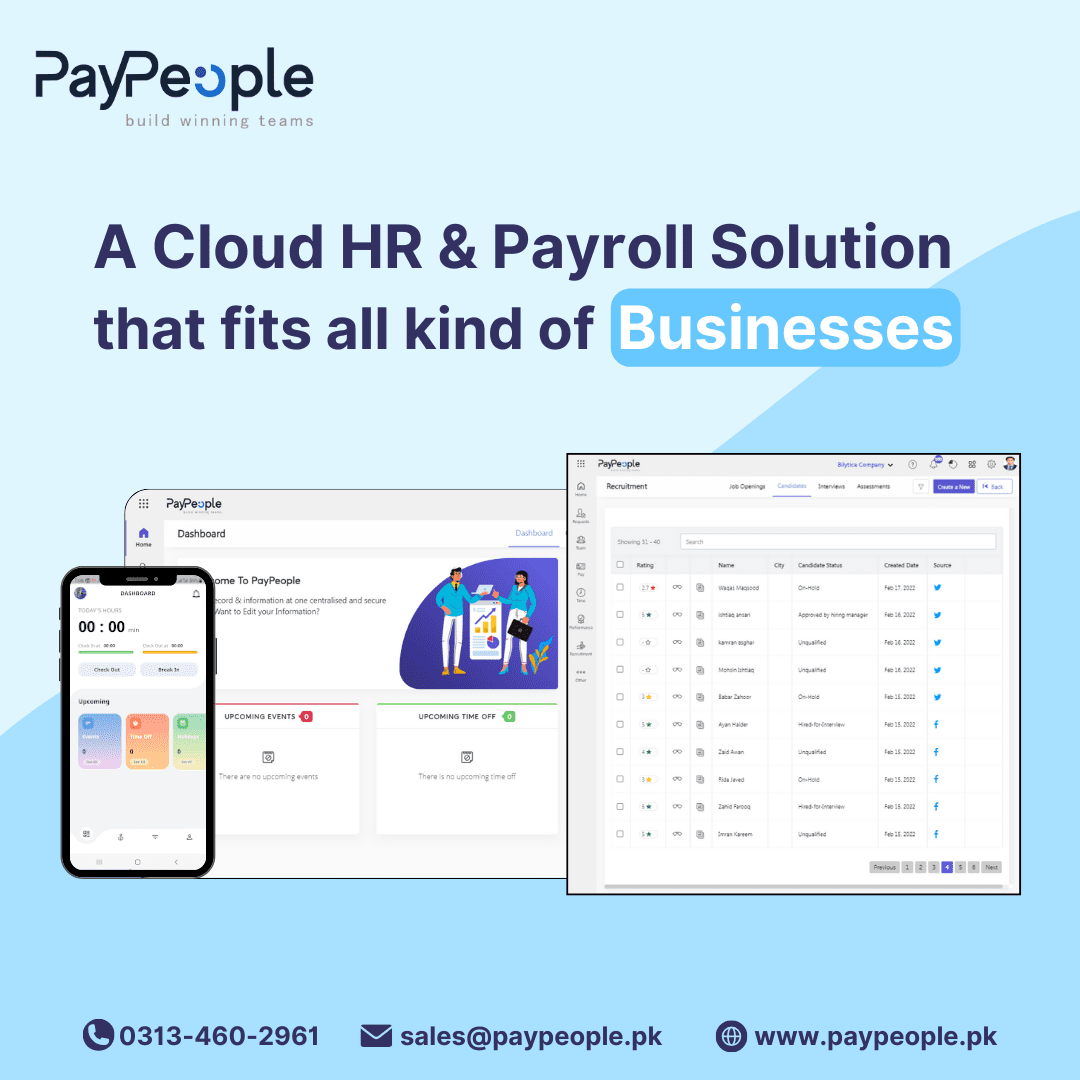

Recruitment Software in Pakistan helps forward-thinking HR teams automate the logistical nightmare of interview scheduling, saving hundreds of manual hours every year. In a competitive hiring landscape across Karachi, Lahore, and Islamabad, the ability to rapidly secure a candidate’s time—before a competitor does—is a decisive advantage for any growing business.
Yes, Recruitment Software in Pakistan can fully automate the interview scheduling process by syncing with company calendars and providing candidates with self-selection links. This eliminates the “email tag” game where recruiters spend days following up on availability.
By integrating with tools like Microsoft Outlook and Google Calendar, the system identifies open slots across multiple panel members and allows the candidate to book a confirmed time instantly.
Candidate self-scheduling works by generating a unique dynamic link that is sent to the applicant via email or SMS once they pass the initial screening. This link shows real-time availability based on the hiring manager’s calendar. In Pakistan, where mobile connectivity is high, candidates appreciate the ability to book an interview from their smartphones.
This approach reduces the drop-off rate by 30% and ensures that the recruitment pipeline remains active 24/7 without manual intervention.
Modern recruitment software effectively handles multi-panel coordination by cross-referencing the calendars of every required interviewer. Whether you are scheduling a technical round with two engineers in Faisalabad and a final round with a CFO in Karachi, the system finds the common free window.
It then automatically sends calendar invites to all parties, including video conferencing links for remote interviews, ensuring no one is double-booked or left out of the loop.
Automated reminders are a core feature, significantly reducing “no-show” rates which can be high in the local market. The software sends automated SMS and email notifications 24 hours and 1 hour before the scheduled time.
Professionals in Lahore and other busy hubs often juggle tight schedules, so these prompts—complete with interview details and location maps—ensure the candidate arrives on time, prepared, and informed about the panel members they will meet.
Interview scorecards provide a structured way to collect panel feedback immediately after the session concludes. Instead of informal WhatsApp messages or fragmented emails, interviewers fill out a pre-defined evaluation form within the system. This centralizes all qualitative and quantitative data, allowing for objective comparisons between candidates.
In a compliant recruitment process, these scorecards serve as a permanent record of why a hiring decision was made, protecting the company from bias claims.
While many job boards manage initial applications, the scheduling power lives within your central Recruitment Software. The ATS pulls applicants from Rozee.pk and LinkedIn into a single dashboard. From there, the automated scheduling workflow kicks in.
This centralisation ensures that whether a candidate found you on a local Pakistani job board or an international social network, their interview experience remains consistent, professional, and automated.
| Stage | Owner | SLA (days) | Tools |
|---|---|---|---|
| Sourcing | Recruiter | 3-5 Days | LinkedIn, Rozee.pk, ATS |
| Screening | HR Manager | 2 Days | Automated Filters, CRM |
| Scheduling | System (ATS) | <1 Day | Outlook/Google Sync |
| Interview | Hiring Panel | 3 Days | Scorecards, Zoom/Teams |
| Offer | CFO / HR Lead | 2 Days | E-Sign, PayPeople HRMS |
By leveraging Recruitment Software in Pakistan, organizations can move from reactive hiring to a streamlined, automated engine. Beyond just scheduling, these systems ensure a smooth handoff to payroll and EOBI compliance once the candidate is hired. To see how your team can save 20+ hours a week on hiring logistics, book a free demo of PayPeople today.
SMEs in Pakistan Automate Interview Cc83241 adopt Recruitment Software in Pakistan from PayPeople for three repeatable reasons: native EOBI / SESSI / PESSI and FBR-tax-slab handling, per-employee-per-month PKR billing that scales with headcount, and a Pakistan-based support team that answers in working hours. Most teams move off Excel or a legacy desktop HRMS once the monthly payroll run takes more than two working days, or once a multi-branch payroll consolidation becomes a source of reconciliation errors.
The most-used modules in Pakistan Automate Interview Cc83241 are payroll, biometric attendance and leave — these three together cover 80% of the day-to-day HR workload for a 50–250-employee SME. Recruitment, performance and expense modules are typically rolled out in a second phase 60–90 days after go-live, once managers are comfortable with self-service and approval workflows. PayPeople bills per-employee-per-month in PKR, starting around Rs. 400 for core HR + payroll, with volume discounts above 100 employees and custom enterprise pricing for multi-branch setups.
Compliance is the deal-decider. EOBI and SESSI/PESSI contribution rates are maintained centrally and pushed to every customer’s payroll run, so you don’t manually patch tax tables when the federal budget changes. FBR income-tax slabs for salaried employees update the same way. The full monthly return — EOBI form, SESSI/PESSI form, FBR salary withholding statement — is generated from one screen, signed off and archived in the audit trail. Multi-branch payroll consolidates into a single GL-coded export ready for the accounting team.
Getting started in Pakistan Automate Interview Cc83241: book a 30-minute demo at paypeople.pk/book-a-demo, the team hands you a 7-day sandbox with sample employees and a pre-configured tax slab, and you run one parallel-payroll month against your existing process before cutover. Total go-live for a typical Pakistani SME is 2–4 weeks; multi-branch enterprise rollouts take 6–8 weeks. WhatsApp +92 300 0800498 or email sales@paypeople.pk to start.
Recruitment software in Pakistan like PayPeople automates scheduling by syncing with your team’s Microsoft or Google calendars. It allows recruiters to share a booking link with candidates, who then choose a time that works for everyone, eliminating manual coordination.
Yes, PayPeople allows you to create custom interview scorecards for different roles. Panelists in Karachi or Lahore can submit standardized feedback directly into the system, ensuring objective hiring decisions and centralizing all candidate evaluations for the HR team.
The system sends automated email and SMS reminders to both interviewers and candidates. This significantly reduces no-shows and ensures that hiring managers in busy offices across Pakistan are always prepared for their upcoming sessions.
Absolutely. Once a candidate is hired in the PayPeople ATS, their data reflects instantly in the payroll and HRMS modules. This includes capturing documents for EOBI and SESSI registration, ensuring a seamless onboarding experience without duplicate data entry.
PayPeople supports multi-stage workflows, from initial screening and technical rounds to final panel interviews. You can define specific SLAs for each stage and track the candidate’s journey through the pipeline in real-time.
Yes, you can include Google Meet, Zoom, or Microsoft Teams links automatically in the interview invites. This is particularly useful for Pakistani companies hiring remote talent or conducting initial rounds with candidates from different cities.