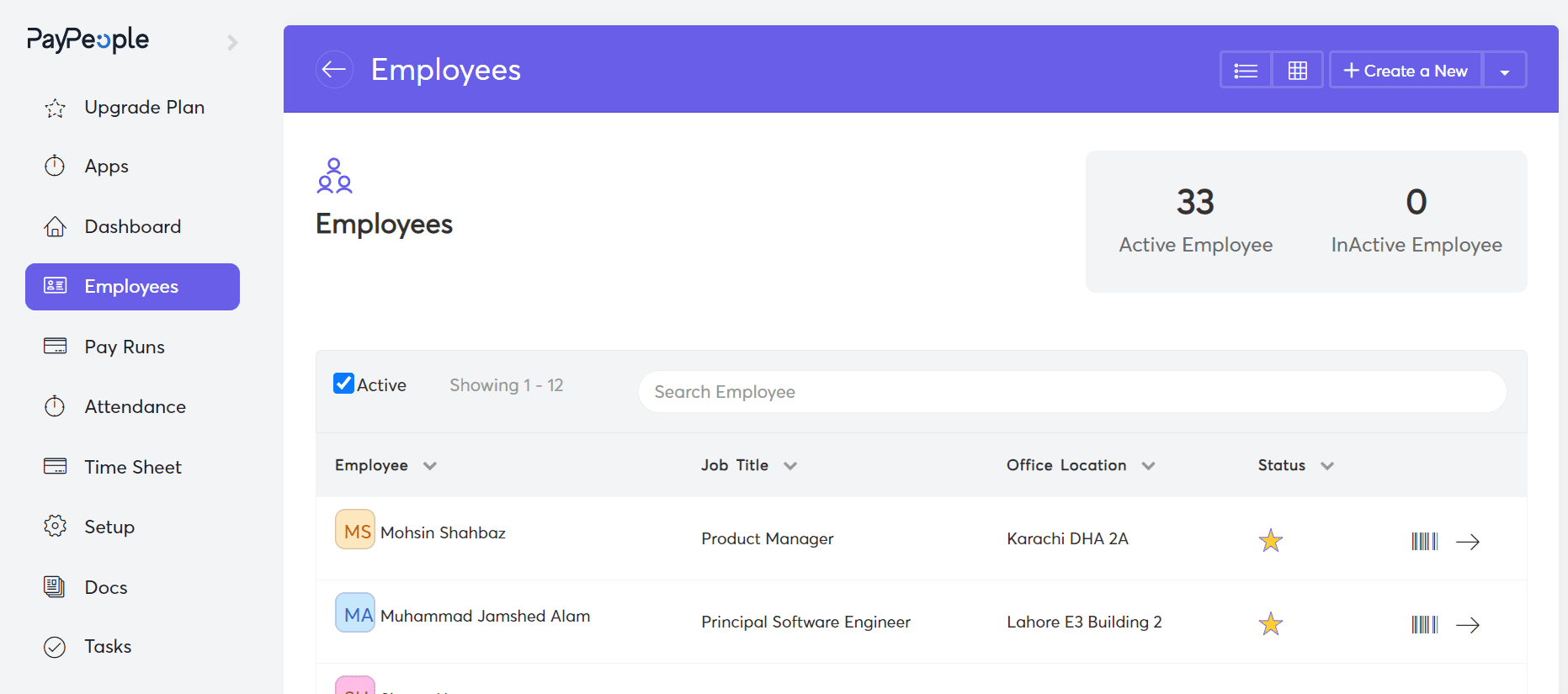

Attendance software in Pakistan simplifies workforce management by automating shift scheduling, biometric tracking, and real-time synchronization with payroll. For HR administrators, moving away from manual Excel logs to a cloud-based system reduces clerical errors and ensures that every employee’s working hours are captured precisely, regardless of whether they are at a head office in Karachi or a remote warehouse in Faisalabad.
Attendance software in Pakistan eliminates the administrative burden of manually collecting and verifying time cards. By integrating directly with biometric devices like ZKTeco or Hikvision, the software automatically pulls clock-in and clock-out data, calculating late arrivals, early exits, and overtime without human intervention.
This automation allows HR teams to focus on strategic tasks like employee engagement and talent development rather than chasing paper-based attendance registers.
With PayPeople, the synchronization happens in real-time. This means managers can see live dashboards of who is currently on-site and who has missed their shift. Automated notifications can be sent to supervisors when a shift is understaffed, ensuring that operational productivity is never compromised by hidden absenteeism.
Biometric attendance software in Pakistan is designed to bridge the gap between physical hardware and cloud databases. Modern AI-driven HRMS platforms support a variety of hardware, including fingerprint scanners, facial recognition kiosks, and RFID card readers. When an employee scans their face or thumbprint, the device pushes the data via a GPRS or Wi-Fi connection to the central server, immediately logging the entry.
This integration is crucial for multi-location businesses. Instead of downloading data from individual devices onto USB sticks, a centralized cloud attendance system consolidates logs from every branch office into a single report. This ensures that the head office has a transparent view of the entire workforce across Pakistan without needing localized IT support at every site.
Attendance software in Pakistan now includes mobile check-in features for field staff, sales teams, and remote workers. By using GPS geo-fencing, HR can define specific coordinates (like a client’s office or a construction site) where an employee is authorized to clock in.
If the employee tries to mark their attendance from home or outside the designated zone, the system will flag the entry or block it entirely.
This feature is particularly valuable for NGOs and logistics companies operating in Rawalpindi, Peshawar, or Quetta. It provides a digital “breadcrumb trail” that verifies the presence of staff at the correct location, significantly reducing time-theft and ensuring that field operations are running as planned without requiring a physical biometric machine at every temporary site.
Attendance software in Pakistan must be flexible enough to handle the complex shift patterns common in the local manufacturing and retail sectors. Whether your business operates on a standard 9-to-5, a rotating 24/7 factory schedule, or a split-shift for hospitality, the software allows HR to create recurring rosters that assign employees to their respective timings automatically.
The system also manages shift-change handovers and identifies “missed punches.” For example, if a worker in a Sialkot garment factory forgets to clock out, the system can automatically flag the record for manager approval, ensuring that the final attendance report is 100% accurate before it is pushed to the monthly payroll cycle.
Attendance software in Pakistan allows HR to digitize their local labor policies regarding punctuality. You can set grace periods (e.g., 15 minutes), after which the system automatically deducts a half-day or applies a fine based on your company’s internal rules.
Similarly, short-leave requests can be tracked through self-service portals, where an employee applies online, and the system automatically adjusts their “hours worked” for that day.
By automating these policies, you remove the “favoritism” factor from HR management. The software applies the rules consistently across the board, providing a fair and transparent environment. Employees can view their own attendance history and leave balances through a mobile app, reducing the number of repetitive inquiries sent to the HR department.
| Device Type | Capacity | Sync Frequency | Monthly Cost (PKR) |
|---|---|---|---|
| Fingerprint + RFID | 3,000 Users | Real-time Cloud | Rs. 400 /employee |
| Facial Recognition | 5,000 Users | Real-time Cloud | Rs. 550 /employee |
| Mobile Geo-Fence | Unlimited | Instant GPS | Rs. 300 /employee |
| Multi-Bio (Face/Palm) | 10,000 Users | Real-time Cloud | Rs. 750 /employee |
Switching to a modern Attendance Software in Pakistan is the fastest way to eliminate administrative leaks and professionalize your HR operations. At PayPeople, we provide the tools you need to manage your team effectively from anywhere in the country. Book a demo today to see how we can transform your workforce management.
Attendance Software in Pakistan by PayPeople supports industry-leading hardware including ZKTeco, Hikvision, and Suprema. Our platform uses a specialized middleware that allows these biometric machines to sync logs directly to our cloud servers in real-time, ensuring your data is always up-to-date for payroll.
Yes, our Attendance Software in Pakistan includes geo-fencing capabilities. Managers can set precise GPS coordinates for job sites or offices. Employees can then clock in via the PayPeople mobile app only when they are within the designated radius, making it ideal for field staff and sales teams.
The attendance software automatically calculates late arrivals, early departures, and overtime based on your custom shift rules. It reconciles these logs with your leave policies and pushes the final “payable days” directly to the payroll module, eliminating manual data entry and Excel-based errors.
Yes, our Attendance Software in Pakistan is designed for multi-branch environments. You can manage employees in Karachi, Lahore, and Islamabad from a single central dashboard. The system consolidates attendance logs from all locations, allowing for unified reporting and streamlined payroll processing for the entire company.
PayPeople provides comprehensive local support across Pakistan. We offer remote setup assistance, on-site device configuration, and 24/7 WhatsApp support. Our team understands the local work culture and EOBI/labor laws, ensuring your attendance policies are configured correctly from day one.
Absolutely. The software allows you to create infinite shift rosters, including night shifts, rotating schedules, and split shifts. You can assign these rosters to specific departments or individuals, and the system will automatically match their biometric punch times against their assigned schedule.